The FBI published a FLASH alert on ARTEX on November 13, 2026. ARTEX is an open-source AI framework, and attackers use it to automate intrusions from reconnaissance through data theft. In some cases, they’ve gone from first targeting to privileged access in under three hours. A WordPress Content Security Policy can limit some of the damage from these attacks, and this post covers which parts.
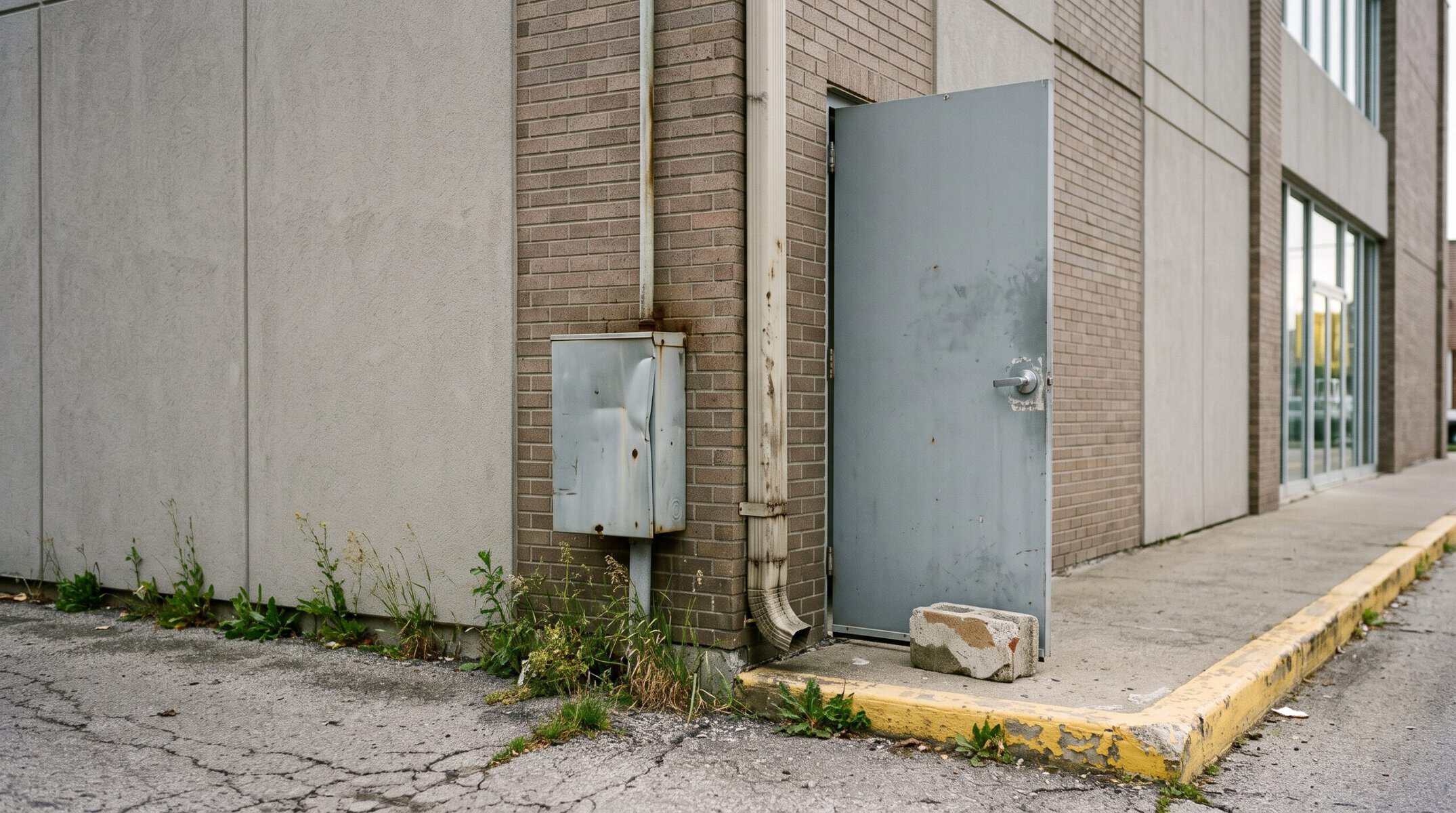
The alert never mentions WordPress, but one of its warnings should sound familiar if you manage more than one site. The FBI says ARTEX excels at exploiting “peripheral systems receiving less security attention than flagship applications.” That could describe the event microsite your marketing team launched and moved on from, or the old product site you rarely log in to.
We build Advanced Security Headers (ASH), a WordPress plugin for security headers and Content Security Policy (CSP), so we read the alert with one question in mind: what can a headers plugin do about this kind of attack? The answer has limits, and we spell them out below. ASH can help protect your visitors from scripts planted in your pages and warn you when your headers weaken, but stopping the break-in takes other controls.
ARTEX speeds up attacks you already know
An operator gives ARTEX a goal in plain language, and its AI agents turn that goal into commands with little further human input. You’ll recognize the techniques on the FBI’s list: SQL injection, command injection, anonymous file uploads, and weak administrator passwords. Saeed Abbasi, who heads the Qualys Threat Research Unit, describes the change as one of time and scale, with agents finding, chaining, and retrying existing weaknesses across many targets at once.
That scale changes which systems attackers go after. The FBI says small groups can now run concurrent campaigns they couldn’t have managed before, so a low-profile system may no longer escape notice. Stas Neyman, Director of Product Marketing at Akamai, points to a recent series of attacks on South Korean financial firms. In one, a loan inquiry service for brokers exposed personal and credit information for about 25,000 customers. Authorities are still investigating what role AI played in those attacks, but that service is the kind of side system the FBI describes.
Your WordPress site may hold far less than that. It can still give an attacker admin accounts, form submissions, and a trusted domain for serving malicious code to your visitors.
What a WordPress Content Security Policy does when a script reaches your pages
The FBI alert focuses on servers and cloud accounts, and it doesn’t describe attacks on website visitors. Those attacks are a common next step on a compromised WordPress site, though. An attacker plants JavaScript in a page and tries to collect what your visitors type into forms.
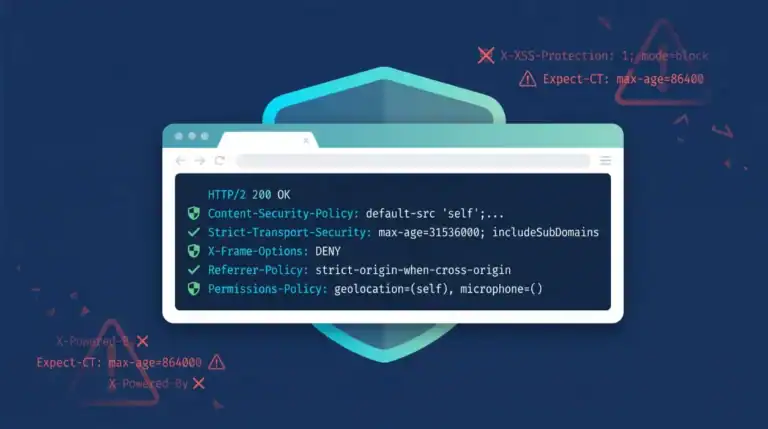
On a WordPress site, ASH sends a Content Security Policy with each page, and your visitors’ browsers enforce it. Here’s how ASH’s recommended policy treats that planted code:
| Planted code tries to | Policy rule | What the browser does |
|---|---|---|
| Load a script from the attacker’s domain | script-src 'self' 'unsafe-inline' | Blocks the script |
Send data with fetch, XMLHttpRequest, WebSocket, or sendBeacon | connect-src 'self' | Blocks the request |
| Hide data in an image URL on another domain | img-src 'self' | Blocks the image |
| Point your form at another domain | form-action 'self' | Blocks the submission |
A planted script can still run under this policy, but it has far fewer ways to get data off the page. WordPress themes and plugins often rely on inline scripts, so the recommended policy keeps 'unsafe-inline'. Planted inline code will run, and it can still send a visitor to another domain with data in the URL. Every domain you add to the policy gives that code one more place to reach.
Blocked requests also give you a warning. The visitor’s browser can send a report to ASH, and you can review it on the CSP Reports dashboard or receive an email digest. Browser extensions trigger reports too, so treat each new one as a prompt to look.
ASH’s audit watches the headers themselves. By default, it runs daily, checks the headers your home page sends, scores them, records changes to ASH’s settings, and counts new CSP violations. Turn on audit emails, and ASH alerts you when a result meets the threshold you choose.
Where a WordPress Content Security Policy stops helping
CSP runs in the browser, so it can’t control your server, where most of the ARTEX activity in the FBI alert takes place.
| Attack stage | What the FBI describes | ASH’s part | What you need |
|---|---|---|---|
| Reconnaissance | Vulnerability scanning and directory fuzzing | None | Firewall rules and rate limits |
| Break-in | SQL injection, weak administrator passwords, and file upload flaws | None | Prompt updates, multi-factor login, and a web application firewall |
| Foothold and escalation | PHP web shells and new administrator accounts | None, and an attacker with this access can switch ASH off | Malware scanning, file integrity monitoring, and account reviews |
| Data theft | Database queries and command output sent to outside web services | None, because CSP doesn’t govern server requests | Outbound traffic controls and limited database permissions |
Three more limits apply to the protections above:
- An attacker with WordPress admin or server access can edit or deactivate ASH, and the audit stops with it. Keep a monitor outside the site that checks your headers and uptime.
'self'trusts your own domain, so a JavaScript file uploaded through a file upload flaw can passscript-src.- Browsers send CSP reports. An AI agent making direct HTTP requests won’t trigger one unless it runs a browser and loads your page.
What to do with your own sites
The FBI’s first recommendation is an inventory of your internet-facing applications, including peripheral systems. For a WordPress portfolio, we’d work in this order:
- List every WordPress site you’re responsible for, including old campaign and partner sites.
- Update WordPress core, plugins, and themes on each site.
- Remove the plugins and themes you don’t use.
- Require multi-factor login for every administrator.
- Run ASH in Report-Only Mode, and add only the domains each site needs.
- Switch CSP to enforcement after you’ve worked through the reports from normal site use.
- Turn on CSP email notifications and audit alert emails.
Steps 1 through 4 lower the chance of a break-in. Steps 5 through 7 limit what a planted script can do and tell you sooner when something changes.
Start with the site you checked least recently
Install Advanced Security Headers on that site first, turn on Report-Only Mode, and see what your pages load. If a third-party script makes the policy hard to write, send us a message and we’ll compare notes.
Sources
- Threat Overview of ARTEX Autonomous Penetration Testing Framework, FBI FLASH-20261113-001, November 13, 2026
- ARTEX Moves at Machine Speed: What Risk Owners Need to Change, Saeed Abbasi, Qualys, November 15, 2026
- What ARTEX Reveals About Overlooked Attack Surfaces, Stas Neyman, Akamai, October 23, 2026
- Content Security Policy (CSP), MDN Web Docs
- Content-Security-Policy: connect-src directive, MDN Web Docs
- Content-Security-Policy: form-action directive, MDN Web Docs